GPT4All
GPT4All is a user-friendly desktop application that makes running large language models locally accessible to everyone, regardless of technical expertise.
What is GPT4All?
GPT4All is an open-source project that provides:
- Desktop Application: Easy-to-use graphical interface
- Model Collection: Curated selection of open-source models
- Cross-platform: Available for Windows, macOS, and Linux
- No Technical Setup: Minimal configuration required
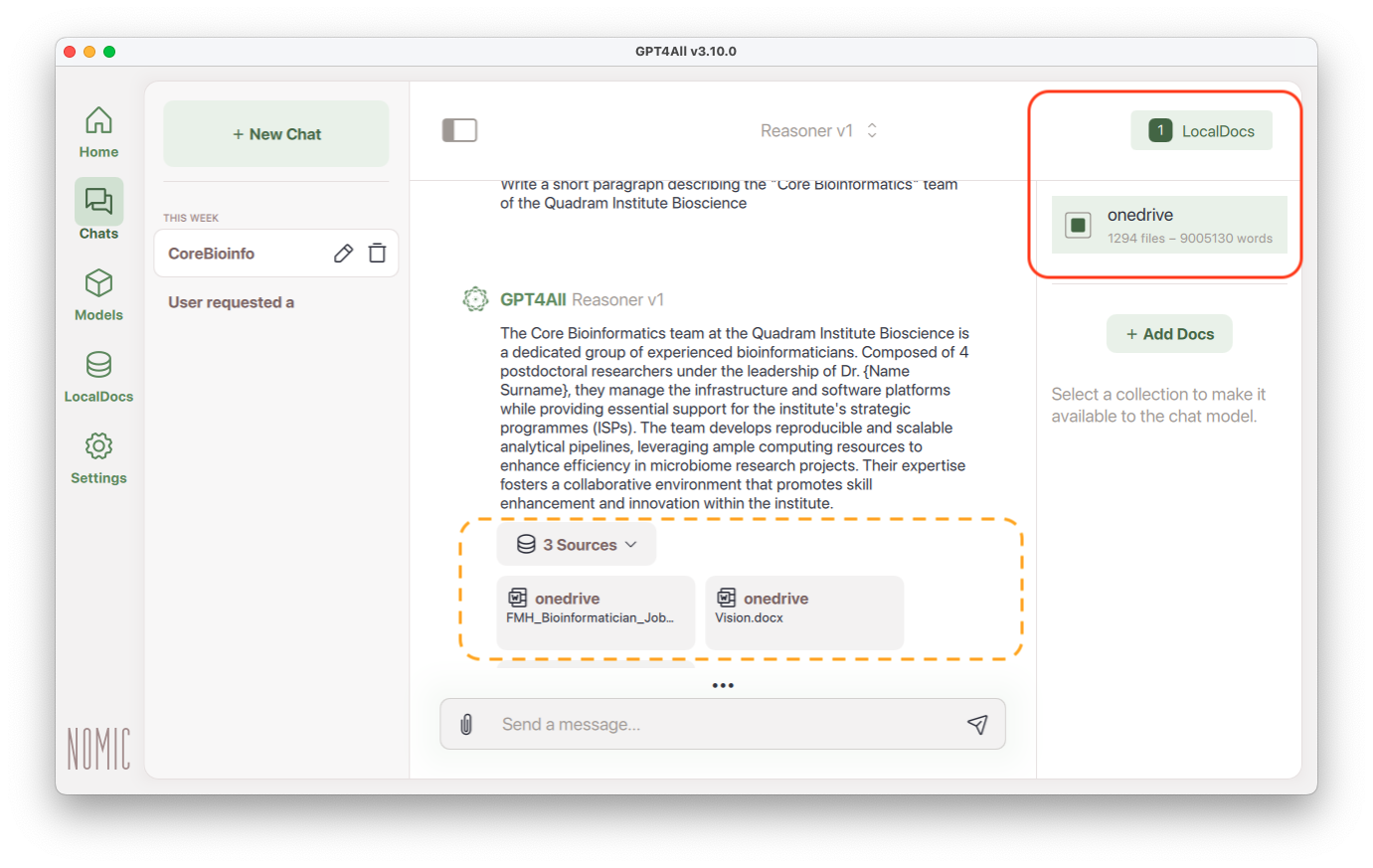
 You can use some local documents and scan them
Interface
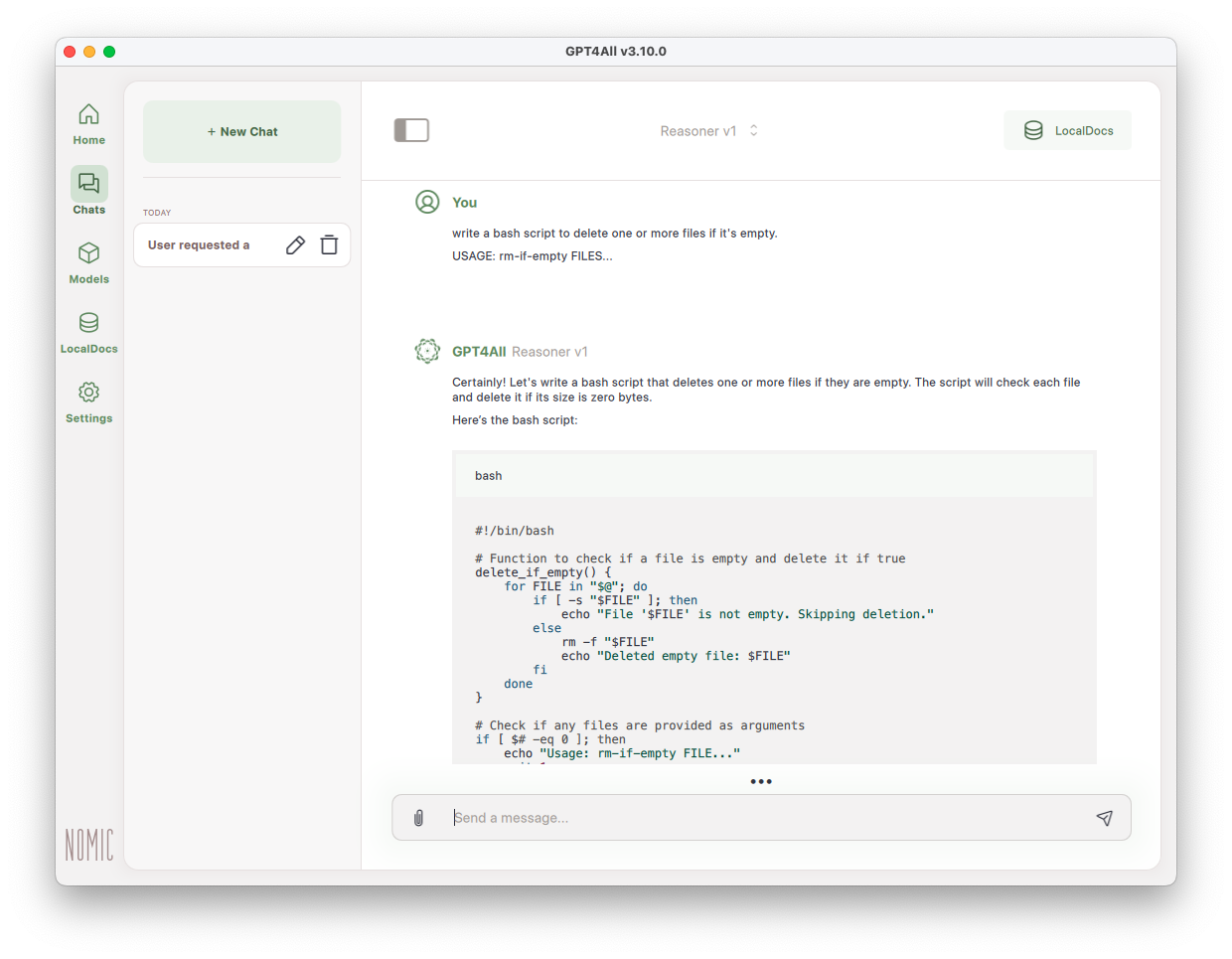
GPT4All has an intuitive interface. The first thing you have to do after installing GPT4All is to download one (or more!) models from the Models. Unlike a typical service like ChatGPT, this program can run multiple models from different sources. The only limitation will be the computing power of your machine. A typical laptop will be underpowered for local LLMs, and still you will be able to run small models that - while very far from the shiny results of online bots - will allow you to start using LLMs locally with a lot of privacy.
Local Docs
A great feature of GPT4All is the easy to use ability of using a folder with documents (under the LocalDocs tab) as a “source of information”.
In the figure below you can see that if I enabel “LocalDocs”, my query “What is amplikraken?” (a project I work on, but not in my OneDrive so there might be just some reference in my diary rather than the actual project documents).