We used Bamtocov in the tutorial, this page about CoverM just does the same thing but with a different tool. CoverM is especially handy if you want to delegate the mapping.
CoverM is a popular tool used in metagenomics hence our choice to make a dedicated paragraph to cover it :)
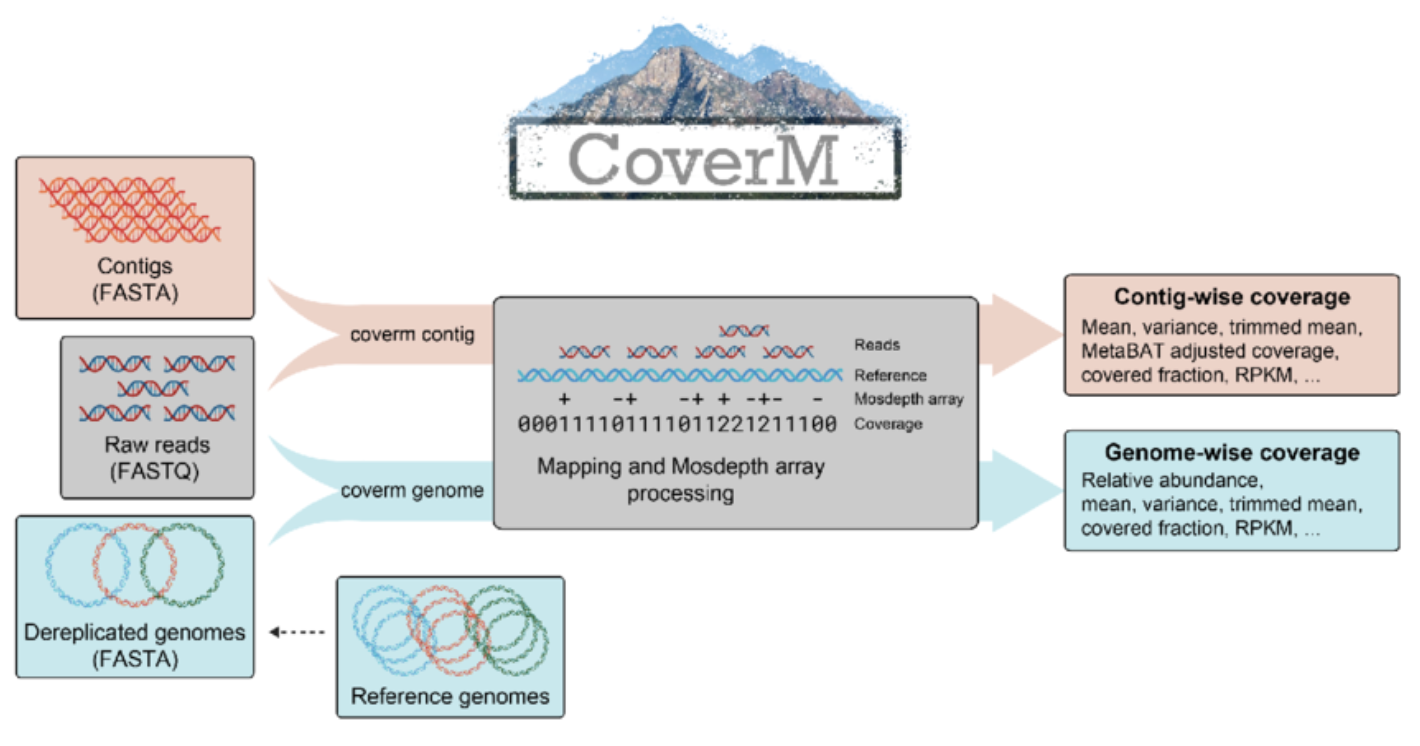
Installing CoverM
We installed CoverM inside the “mapping” conda environment, otherwise it’s easy installable from BioConda.
# Activate the environment
conda activate mapping

# Check installation
coverm --version
Running CoverM
We have three BAM files in bams/, each corresponding to the mapping of one sample against the co-assembly.
# Calculate coverage metrics for all contigs
coverm contig \
  -b /*.bam \
  -m count mean covered_fraction tpm \
  -o abundance_table.tsv \
  --exclude-supplementary \
  -t 8
Some explanations about the parameters used:
-
contig: is a subcommand which tells CoverM to calculate metrics at the contig level -
-b: specifies the input BAM files (you can specify multiple files, also using wildcards) -
-m: specifies the metrics to calculate, in this case:-
count: the number of reads mapped to the contig -
mean: mean coverage depth across the contig -
covered_fraction: proportion of contig covered by reads (0-1) -
tpm: Transcripts Per Million (normalized abundance)
-
-
-o: specifies the output file name -
--exclude-supplementary: excludes supplementary alignments from the calculations -
-t: number of threads to use
Output File
The output is a TSV file with the following structure:
| Column | Description |
|---|---|
| Contig | Contig identifier |
| {Sample} Count | Number of reads mapped to the contig |
| {Sample} Mean | Mean coverage depth across the contig |
| {Sample} Covered Fraction | Proportion of contig covered by reads (0-1) |
| {Sample} TPM | Transcripts Per Million (normalized abundance) |
Each sample gets one column per requested metric. In this case, with 3 samples and 4 metrics, you’ll have 13 columns total (1 for contig names + 3 samples × 4 metrics).
Note: Raw counts are the most useful value to perform statistical analyses, while TPM values are useful for a first “eyeballing” comparison of abundances between samples, as they account for both sequencing depth and contig length.